Building a house in The Sims Mobile always starts out simple and somehow ends up consuming an entire evening. This guide breaks down Sims Mobile house design fundamentals, how to avoid the layout mistakes that quietly waste Simoleons, and how to build a home that actually feels lived-in rather than just a showroom of furniture. This game has 4.2 stars, 50M+ downloads.
The Sims Mobile leans into the life simulation category, and unlike the strict survival mechanics of other sim titles, house building here is mostly about self-expression. Still, a well-planned home does more than look good. It affects how smoothly your Sim moves through daily interactions, how efficiently rooms serve their purpose, and how much of your build budget goes toward things that actually matter.
Why Layout Matters More Than Decoration
It is tempting to treat house design like shopping — buy the nicest couch, the flashiest lighting, the biggest bathtub. But a home built without a layout plan often ends up feeling cluttered no matter how expensive the furniture is.
Think of it like decorating an apartment before measuring the rooms. You can own beautiful furniture, but if it does not fit the actual flow of the space, the result feels chaotic rather than comfortable. The same logic applies directly to Sims Mobile house design.
Start With Zones, Not Furniture
Before placing a single item, map out how you want the house divided:
- Social zone — living room, kitchen, dining area for group interactions
- Private zone — bedroom, bathroom, personal space away from foot traffic
- Career or hobby zone — a dedicated room for whatever your Sim’s story focuses on
- Outdoor zone — yard space for events, gardening, or relaxation options
Planning zones first keeps the build organized and prevents the awkward furniture-Tetris that happens when rooms are decorated before their purpose is decided.
Budget Your Simoleons Before You Start Building
One of the more common mistakes in Sims Mobile house design is spending heavily on early rooms and running short by the time you reach the ones that matter most. A modest starter home with room to expand later almost always outperforms an overbuilt first floor that leaves no budget for anything else.
A Simple Budgeting Approach
- Decide on your total build budget before opening the shop menu
- Reserve roughly a third for structural elements like walls, flooring, and roofing
- Allocate another third to core furniture in each zone
- Save the remaining third for decorative details and upgrades later
- Avoid impulse purchases on statement pieces until the layout is fully mapped
This structure keeps spending balanced rather than front-loaded into rooms that get decorated first simply because they were built first.
Designing Rooms That Actually Get Used
A beautifully designed room that your Sim never actually interacts with is wasted space. Prioritize furniture placement based on how your Sim spends time, not just how a room photographs.
- Kitchens benefit from open pathways rather than tightly packed counters
- Living rooms should center around a clear social hub, like a couch facing a shared activity
- Bedrooms need enough clearance for daily interactions without feeling like a hallway
- Home offices or hobby rooms should reflect whatever career or aspiration your Sim is focused on
Related to this is understanding aspiration and career mechanics, since certain rooms directly support specific storylines. A Sim chasing a culinary career benefits far more from a functional kitchen than a stylish one that looks nice but lacks the right stations.
Mixing Styles Without Making It Look Cluttered
Many players default to matching furniture sets exactly as sold in the shop, which works but often looks a little flat. Mixing styles intentionally, rather than randomly, creates a more personalized home without sacrificing cohesion.
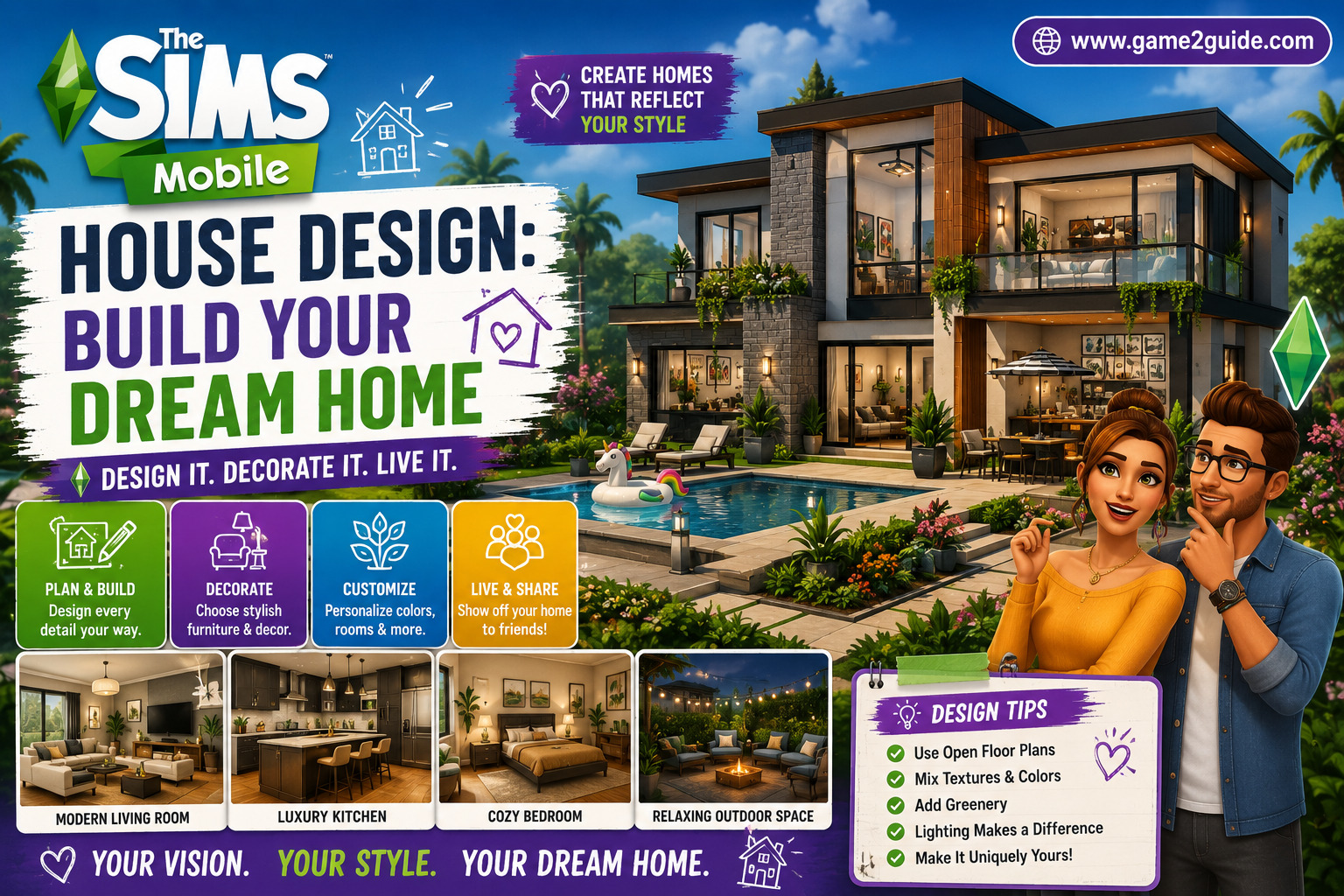
- Pick one dominant color palette and let accent pieces vary within it
- Contrast textures rather than clashing colors, like pairing wood tones with soft fabrics
- Use lighting deliberately to define zones rather than lighting the whole house uniformly
- Leave some negative space instead of filling every corner with an item
A home that breathes a little, rather than one packed wall to wall, generally reads as more intentional and less cluttered.
Expanding Without Losing the Original Layout
As your Sim’s story progresses, house expansions are inevitable. The mistake many players make is bolting on new rooms without reconsidering how they connect to the original layout, which often creates awkward, maze-like flow between old and new sections.
Before expanding, revisit your original zone map and decide where new rooms genuinely belong, rather than just adding wherever space happens to be available. A little replanning at each expansion keeps the whole house feeling coherent instead of stitched together.
Common House Design Mistakes to Avoid
A handful of habits consistently show up in cluttered or awkward builds:
- Decorating before zoning, leading to furniture that fights for space
- Overspending early, leaving later rooms feeling unfinished
- Matching furniture sets exactly without adding any personal variation
- Ignoring pathway clearance, making rooms feel cramped even when they are technically large enough
- Expanding randomly instead of planning how new rooms connect to existing ones
Final Thoughts
Great Sims Mobile house design comes down to planning before purchasing, budgeting deliberately instead of spending impulsively, and building rooms that genuinely serve your Sim’s daily life and story rather than just looking good in a screenshot. Slow down, zone the space first, and the rest of the build comes together far more naturally than jumping straight into furniture shopping.
Frequently Asked Questions
How do I plan a good house layout in The Sims Mobile?
Start by dividing the house into zones — social, private, career, and outdoor — before placing any furniture. This keeps the build organized and prevents cluttered, mismatched rooms later.
How much should I budget for a new house build?
A rough split of one third for structure, one third for core furniture, and one third reserved for decoration and later upgrades keeps spending balanced across the whole build.
Should furniture always match the same set?
Not necessarily. Mixing styles within a consistent color palette often looks more personalized than using an exact matched set throughout the entire home.
How do I expand my house without ruining the layout?
Revisit your original zone plan before adding new rooms, and make sure new sections connect logically rather than being tacked on wherever space is available.
About the Author