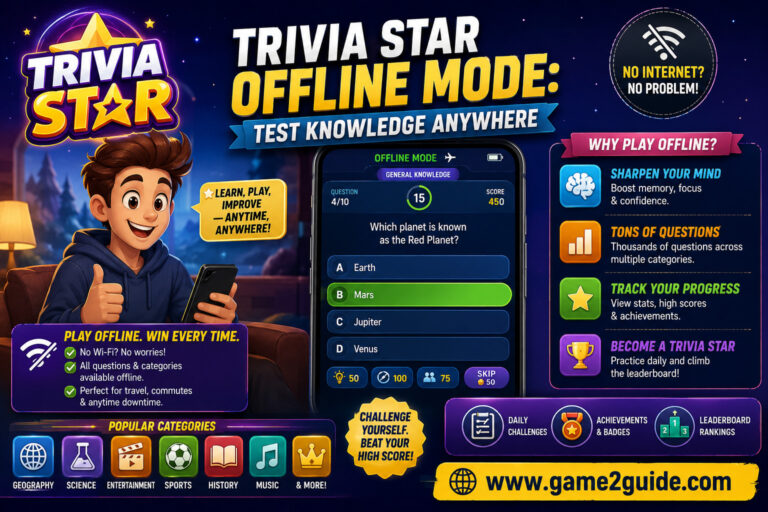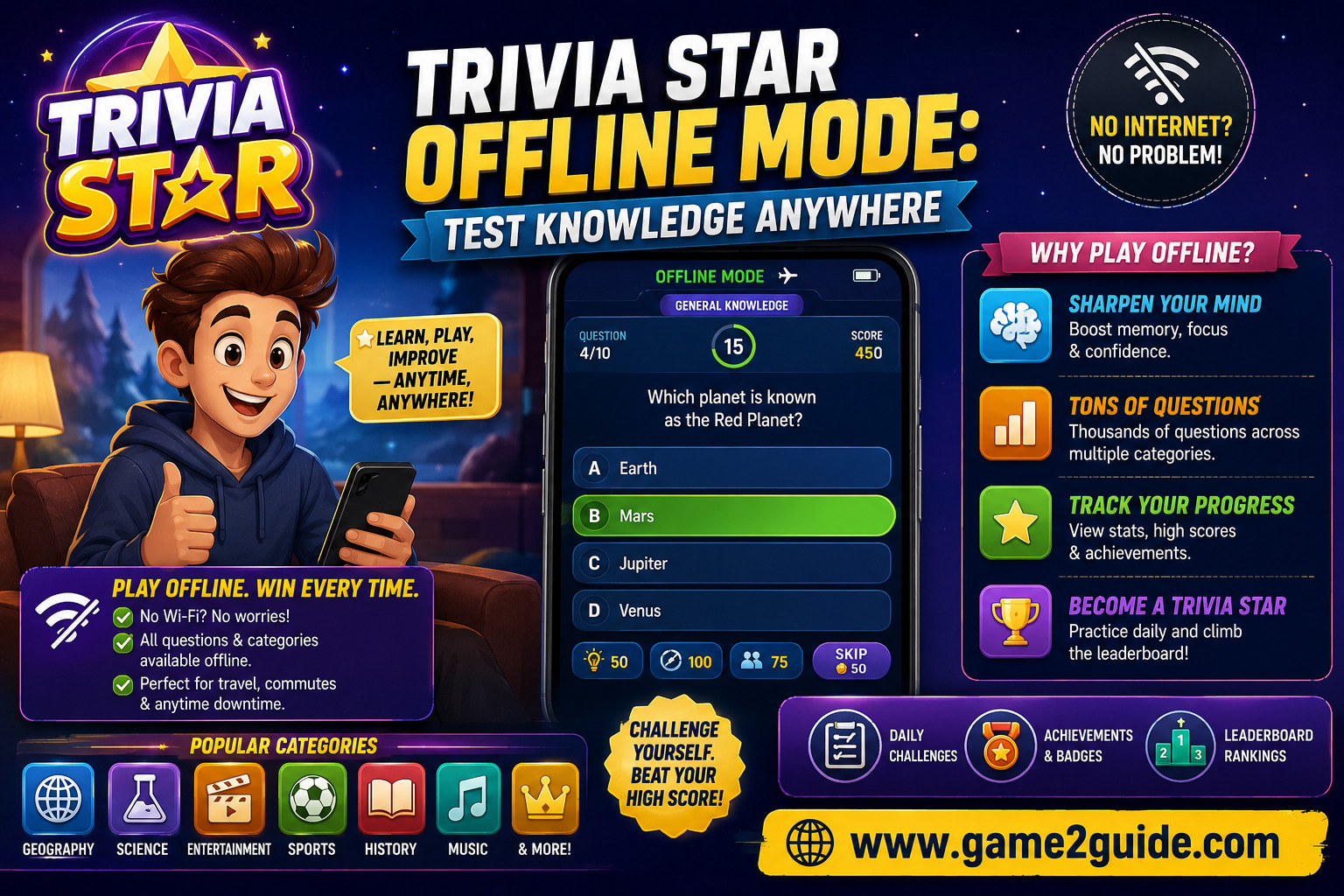
Dead phone signals on long subway commutes or cross-country flights usually mean staring at a blank screen in frustration. Expanding your general knowledge while passing time becomes effortless when you activate Trivia Star offline mode on your mobile device. This guide explores how Android players can master offline quizzes, earn free rewards without an active Wi-Fi signal, and maintain sharp mental focus anywhere.
What Makes Trivia Star Offline Mode So Popular for Android?
Mobile gaming on Android platforms has shifted toward convenience and accessibility over constant connectivity. Many players find themselves in cell phone dead zones, underground subways, high-altitude flights, or rural regions where mobile data is completely unavailable. The ability to launch a high-quality trivia game without internet requirements eliminates the frustration of loading screens and dropped connections.
Trivia Star offline mode has earned millions of downloads on Android because it delivers a full-featured gaming experience without requiring users to burn through expensive cellular data plans. Developer Super Lucky Games LLC designed the application so that core progression, sound design, and question databases remain locally stored on your phone.
Freedom from Wi-Fi and Mobile Data Dependencies
Relying on public Wi-Fi networks in airports or coffee shops can introduce significant security risks and annoying speed throttles. Running games offline bypasses those privacy concerns entirely while saving precious battery life on your Android device.
Because your smartphone is not constantly searching for cell towers or sending network packets back to a server, hardware heat stays low. This efficiency allows gamers to enjoy hours of uninterrupted puzzle solving during lengthy travel schedules.
Access to Thousands of Questions and Unique Categories
A common limitation in many offline trivia games for Android is a small, repetitive pool of questions. Players often see the exact same prompts repeated after only a few short rounds of play.
Trivia Star overcomes this limitation by caching a massive database containing over ten thousand questions directly on your local device storage. You get continuous variety across history, pop culture, geography, and science without needing to download additional content packs later.
Core Trivia Star Gameplay Mechanics Without an Internet Connection
Understanding Trivia Star gameplay when disconnected from the web is straightforward, yet it offers deep tactical choices. Each level presents you with five distinct multiple-choice questions that you must answer correctly to advance.
When you start a new level in Trivia Star offline mode, the interface presents three randomized categories on your screen. You select the category that best matches your personal knowledge base, such as classic cinema, world history, or animal biology.
If you dislike the initial choices, you can spend in-game coins to reshuffle the categories and generate three new random options. Once you pick a category, you face five consecutive questions with a ticking clock, forcing you to think rapidly under pressure.
Unlike online trivia applications that delay feedback while syncing with server databases, Trivia Star provides immediate validation after every response. You know instantly whether your selection was correct, which accelerates learning and keeps the rhythm of the game fast and engaging.
The difficulty curve starts out intentionally gentle during early levels, making it approachable for casual players. However, as you climb past level fifty and beyond, the questions grow significantly more technical, testing the limits of experienced trivia buffs.
Diverse Question Categories in Trivia Star Offline Mode
Having a broad array of topics prevents brain fatigue during long offline gaming sessions. When you play Trivia Star offline mode, the game grants full access to more than sixty specialized categories.
Navigating through these topics allows Android players to focus on their personal strengths or actively learn about subjects where they lack expertise. Here is a breakdown of the primary category clusters available without a network connection:
- General Knowledge & Trivia Basics: Questions covering mixed facts, famous historical events, basic world geography, and everyday science.
- Entertainment & Pop Culture: Comprehensive quizzes on blockbuster movies, television shows, chart-topping music, celebrity history, and streaming series.
- Science & Nature: In-depth challenges focused on human anatomy, astronomy, chemistry, wildlife habits, and environmental studies.
- Sports & Athletics: Detailed prompts regarding Olympic records, championship football matches, basketball statistics, and famous athletes.
- Food & Culinary Arts: Fun questions exploring global cuisines, cooking techniques, beverage histories, and iconic dishes from around the world.
- Inventions & Brands: Intellectual challenges regarding historical technological breakthroughs, famous corporate logos, and patent origins.
Choosing the right category during Trivia Star gameplay is critical when your coin reserves are running low. Selecting a category where you feel highly confident minimizes the need to buy hints, preserving your hard-earned coins for tougher levels further along the path.
Essential Strategies to Excel in Trivia Star Offline Mode
Winning consistently in Trivia Star offline mode requires a mix of smart coin management and calculated decision-making. Think of your in-game coins like a limited emergency fuel supply on a long road trip; spending them prematurely leaves you stranded when you encounter truly difficult terrain.
When you encounter a question that completely baffles you, the game provides a hint feature that eliminates incorrect options or points directly toward the right answer. Hints cost coins, so using them on early levels is a wasteful habit that hurts your long-term progress.
Save your hints exclusively for high-tier levels where the questions demand obscure specialized knowledge. Furthermore, do not spend coins on category reshuffles unless all three presented choices represent your absolute weakest subjects.
A helpful strategy involves creating personal mental associations when reviewing correct answers you initially missed. For instance, if you learn that the capital of Australia is Canberra rather than Sydney while playing on a train, repeat that fact to yourself three times.
Daily rewards also play a vital role in sustaining your resource pool. The application grants bonus coins each day you launch the game, even if your phone is set to airplane mode. Simply opening the app daily builds a steady reserve of coins for future hint purchases.
How Trivia Star Compares to Other Offline Trivia Games for Android
The Google Play Store contains hundreds of titles marketed as offline trivia games for Android, but their overall quality varies dramatically. Many competing titles lock key features, restrict level progression, or display broken UI layouts when an active internet signal is absent.
In contrast, Trivia Star offline mode delivers an uncompromising experience that mirrors its online state almost perfectly. The fluid animations, rapid touch response, and clean interface remain identical whether you are connected to high-speed fiber Wi-Fi or deep inside a concrete basement.
| Feature Comparison | Trivia Star (Offline) | Standard Offline Quiz Apps |
| Question Database Size | Over 10,000 Questions | 500 to 2,000 Questions |
| Category Selection | 60+ Categories Available | 5 to 10 Basic Categories |
| Level Progression | Over 1,000 Levels | 50 to 100 Short Levels |
| Resource Economy | Full Coins & Hints Offline | Hints Restricted Without Ads |
| Performance Impact | Low Battery & Memory Usage | High Battery Drain / Heavy Lag |
Another distinction lies in how the game handles advertisement interruptions. Many free mobile titles attempt to force video ads even when internet connections drop, leading to frozen screens and app crashes.
Trivia Star manages its ad loading gracefully. When operating offline, the game simply suppresses ad placements, providing an uninterrupted, clean gameplay experience that respects your device resources and time.
Frequently Asked Questions About Trivia Star Offline Mode
Can you play Trivia Star completely offline on Android?
Yes, you can play Trivia Star offline mode completely without cellular data or Wi-Fi connections on any compatible Android phone or tablet. All core levels, category selections, and hint mechanics function locally on your device hardware without requiring external network verification.
Do you lose progress in Trivia Star when playing without internet?
No, your single-player level progress, high scores, earned achievements, and coin balances save locally to your device storage while offline. Once your Android device reconnects to the internet later, the application automatically syncs your local progress data with cloud servers.
How do you earn coins in Trivia Star offline mode?
You earn coins offline by successfully completing levels, maintaining daily login streaks, and achieving perfect scores across all five questions in a round. While you cannot watch video advertisements for extra bonus coins without an internet connection, standard gameplay rewards remain fully active.
Are all question categories available while playing offline?
Yes, all sixty plus question categories in Trivia Star gameplay remain accessible without an active internet connection. The vast question database installs directly with the initial app download, ensuring that offline players enjoy the exact same topic variety as online players.
About the Author